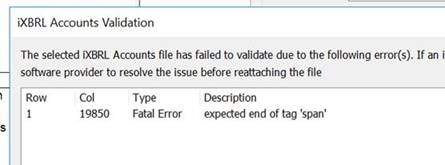
If you come across the above issue, please do the following:
- Open the latest full tagging file for the client in question;
- Go to the accountants' report;
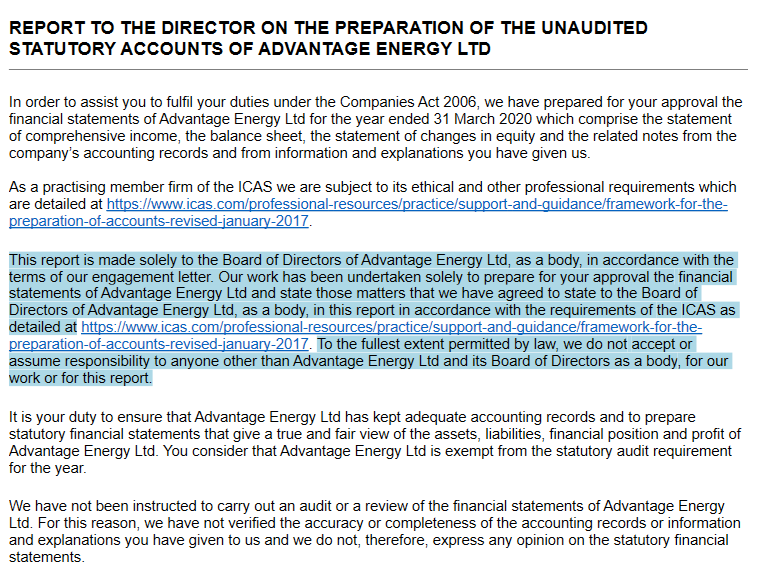
- In the 3rd paragraph, remove the tag around the hyperlink to go to ICAS (See before and after pics below);
- Ensure you re-save the tagging file and re-run the submission .html file for tax, as they would've most likely picked up the issue initially;
To adjust the tag in step 5, right click the 3rd paragraph and select Adjust Tag.
If the issue continues to remain, please get in touch at cchhelp@aab.uk
Before:
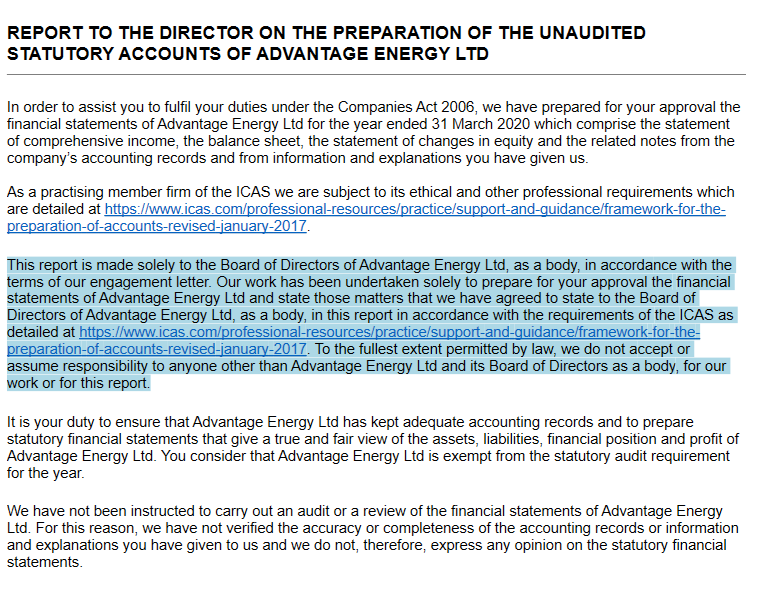 After: