
To change an address on a Tax Return:
CCH > Tax Return > Tax Return Other Information > Agent - unlock this section and made adjustments here
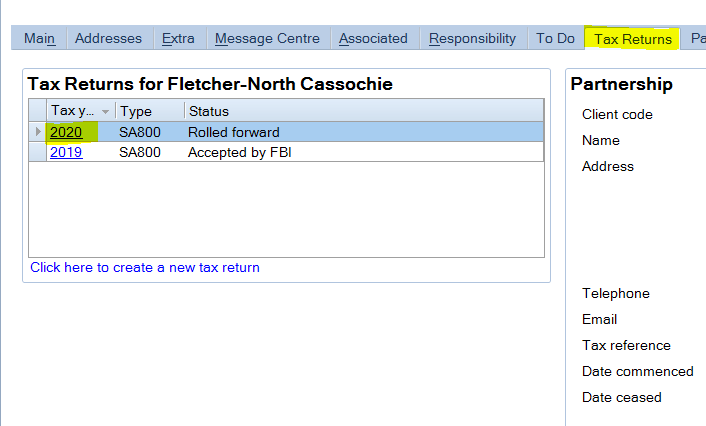
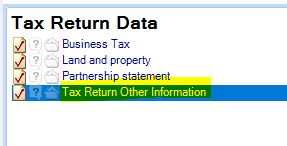
To change a MAIN address:
Email address changes to the following: updates@aabuk.onmicrosoft.com
These changes will then show in CCH in the Addresses tab the following morning after the PE-CCH Refresh
To update the REGISTERED Address:
Using Companies House Beta website, get the Registered Address for your client.
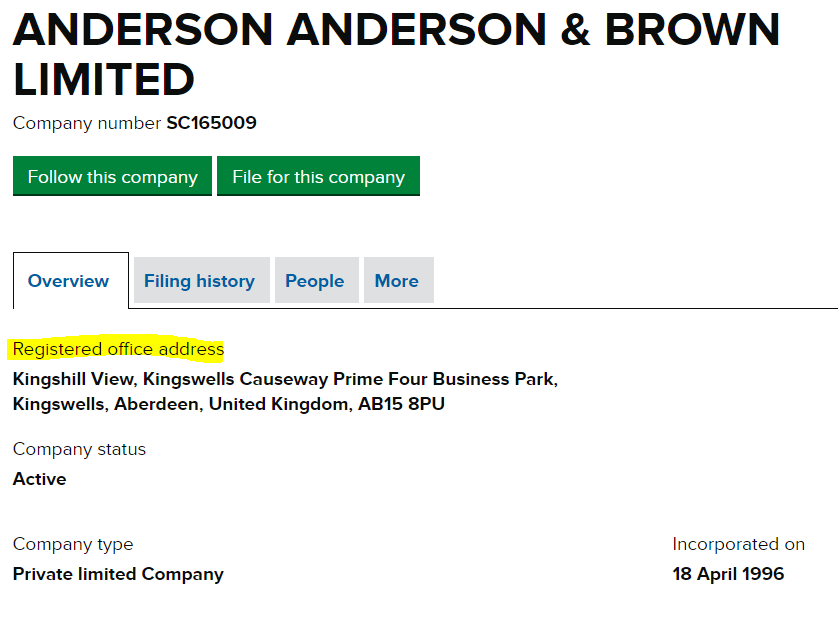
The go to CCH > Addresses > Add/Maintain
Enter the Post Code from Companies House Beta for your client
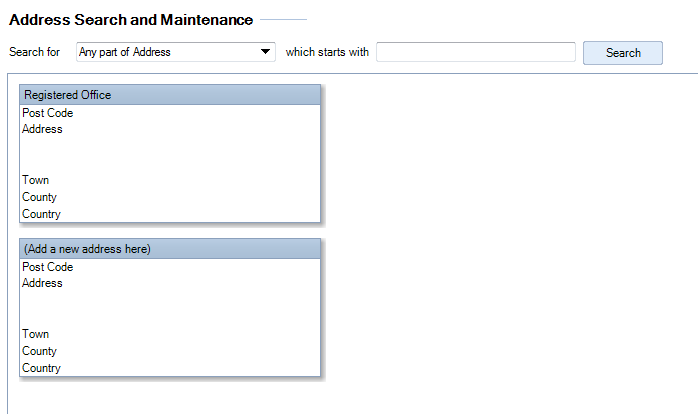
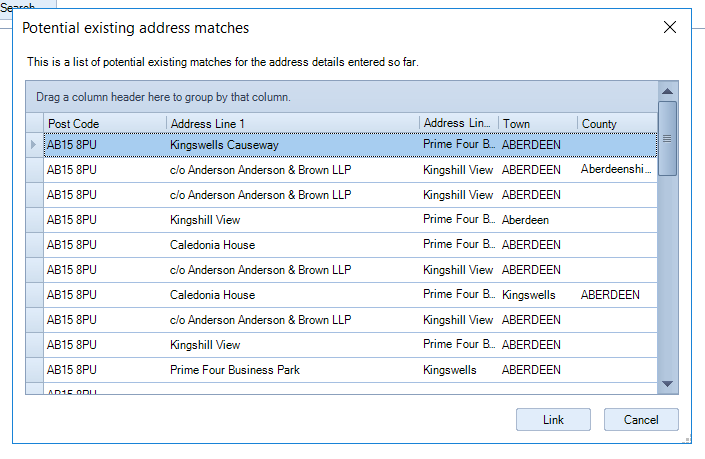
When prompted to link an address to an existing address cancel this, we do not want to link an address to an existing address - this causes issues if a company using the address changes, as this then changes the others also.
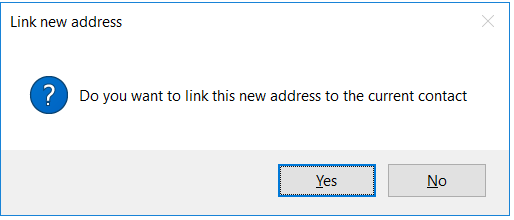
When prompted with this screen, select "Yes"
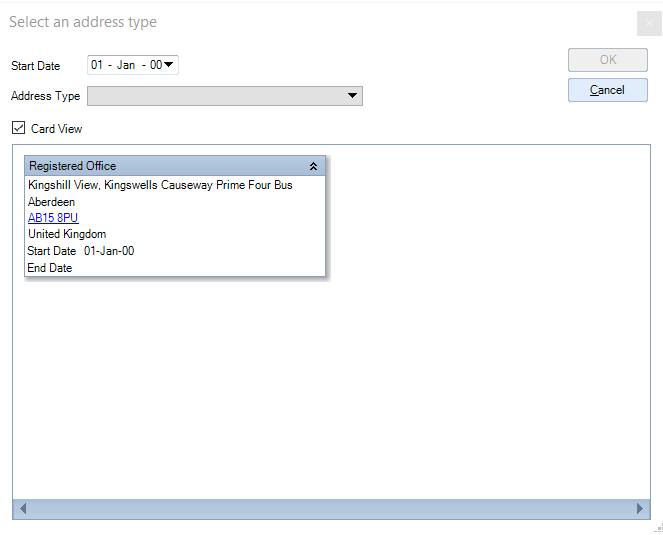
From here you can select the address type - Registered Office and the date of the address change (if known), then select "Ok"
This will then automatically update in the accounts